Data Viewer (Key UI)
Overview
This page describes how a developer or administrator can view data published on KeySquare platform. Non-developer, Non-admin users should use workspace for viewing raw or curated views.
Before we get started, ensure that
- Key UI is up and running (default port = 6500)
- You are able to login using an account with role = ADMIN or role = DEVELOPER
To verify, you have the right access, look for the Tools section in the sidebar
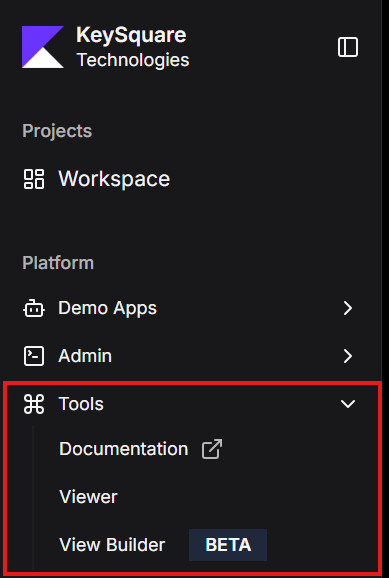
Please refer to instructions here on how to assign user roles
Features
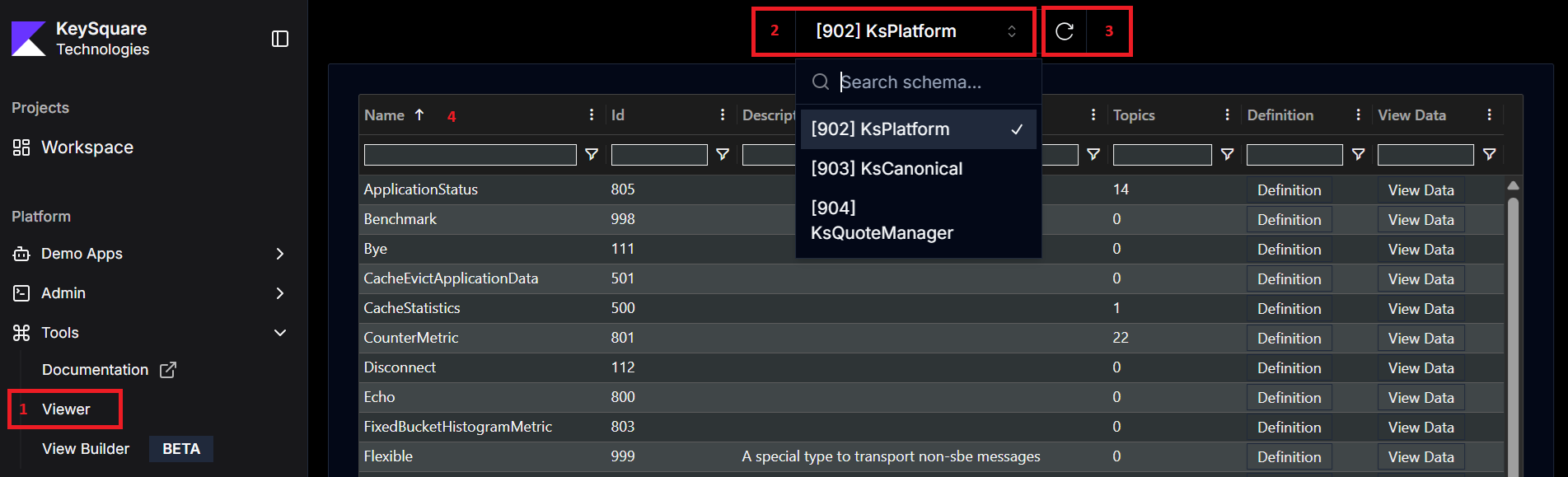
- Link in SideBar to open Viewer Page
- List of all the schemas published on the platform
- semanticVersion of sbe:messageSchema in the sbe.xml file is used as the name of the schema.
- Quick refresh button to get the latest schemas on the platform
- This is useful if a new schema is published by an application
- Note: Only new schemas, or schemas where version is greater than old will result in a change
- Table with different data types that part of the selected schema. In sbe, schemaId + templateId of the sbe:message uniquely idenfity a type. Columns
- Name: Name of the type, pulled from 'name' tag of sbe:message
- Id: TemplateId of type, pulled from 'id' tag of sbe:message
- Each message must have a unique id within a schema
- Description: Short description of the type
- Topics: Count of number of unique items for the given type in the cache when the page was last refreshed
- Definition: Action button to see the definition of the type (opens in modal)
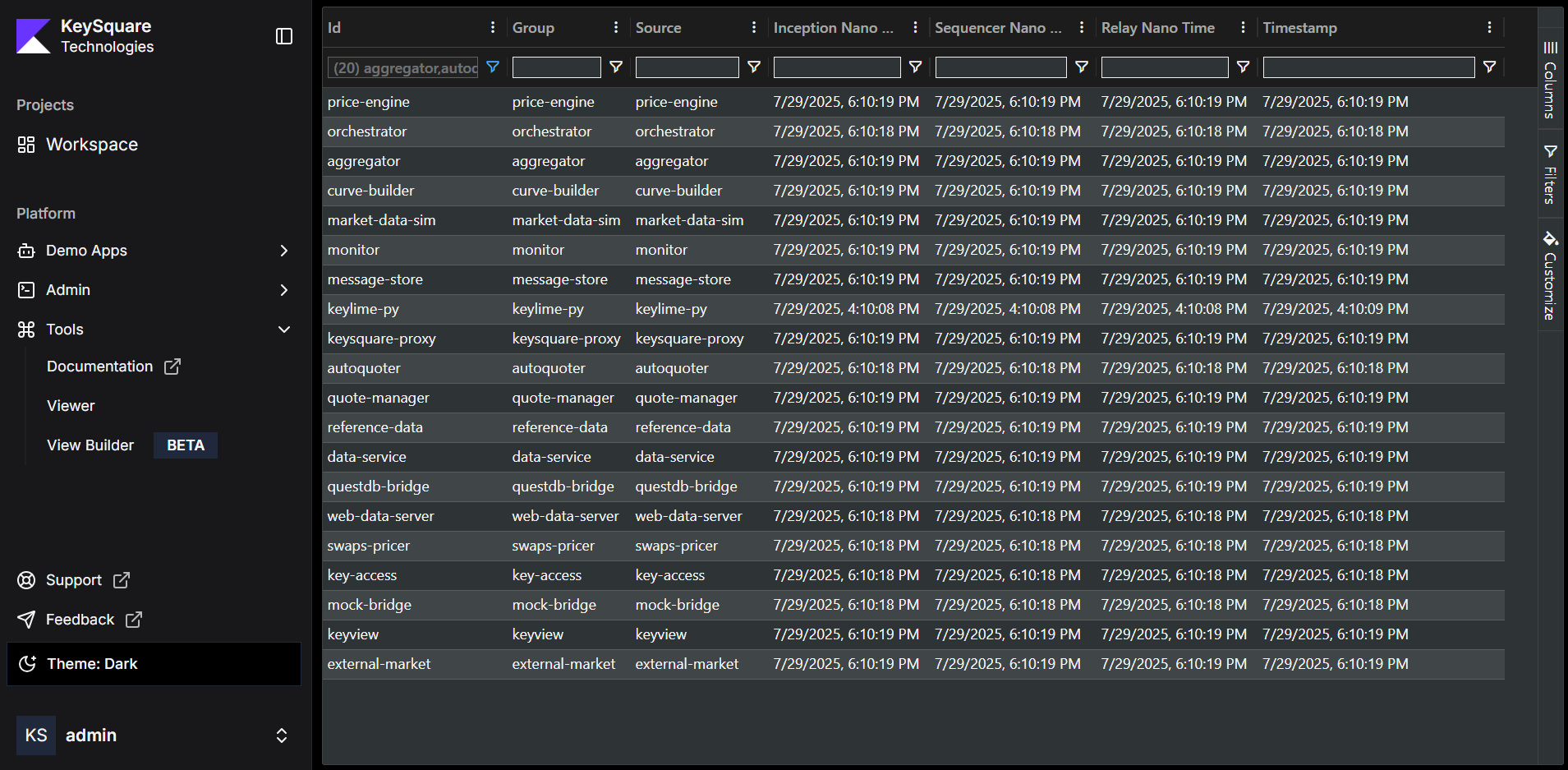
- View Data: Action button to see all the data for the type (redirects to data page - sample below)
tip
During development, it may be annoying to keep incrementing schema versions to see new data types and field changes.
To force viewer, to always load newly published schema, you can set the following system property in WebDataServer (requires restart)
KS_IR_REPLACE_SAME_VERSION=true
Be sure to set it back to false before releasing to production as this can have performance impact!